Start with the room, not the camera
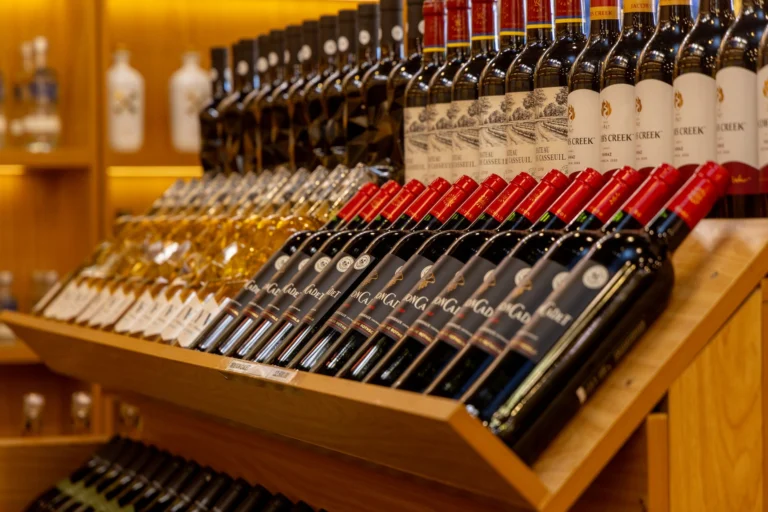
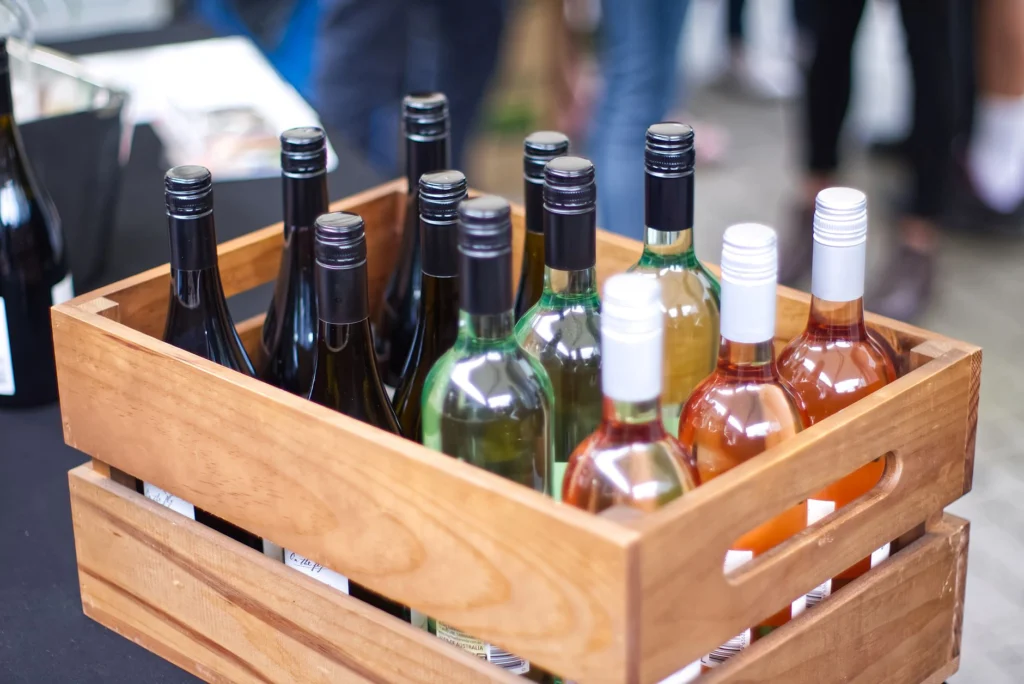
A city wine shop usually has limited space, mixed lighting, and reflective surfaces. Those conditions cause most bad photos. Before you touch a camera, clear the counter, remove cardboard boxes, price stickers, cables, and anything that is not part of the shot. Decide which bottle or shelf is the subject. If everything is in the frame, nothing is.
Lighting: fix the color and the glare
Overhead fluorescent tubes make red wine look brown and white labels look green. Dim light hides dust and makes the shop feel closed. Use daylight from a window when possible, but diffuse it with a sheer curtain or white foam board. If you need artificial light, use LED bulbs rated around 3000K to 4000K with a CRI of 90 or higher. Bounce the light off a wall or ceiling instead of pointing it straight at bottles. For glass, change your angle until the reflection moves away from the label. A circular polarizer helps, but moving the bottle is often faster.
- Turn off mixed overhead lights if they cast a color cast.
- Use one main light and one white board for fill.
- Check highlights on bottle shoulders and foil caps.
Composition: give the eye one place to land
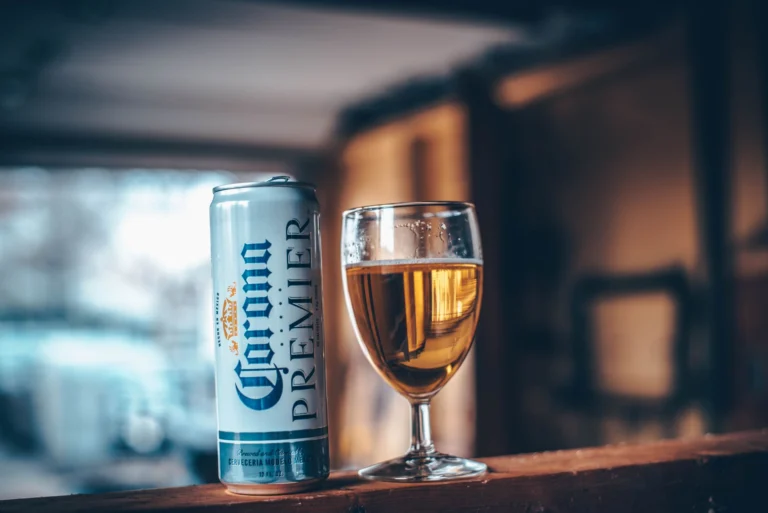
Wine shop photos fail when they try to show the whole inventory. Pick one hero bottle, then add one or two supporting objects, such as a glass, a corkscrew, or a small stack of tasting notes. Leave empty space around the subject. Shoot at label height, not from standing eye level, so bottles do not look distorted. Keep shelves straight and verticals true. If you use a wide lens, step back and crop later instead of tilting the camera up.
- Remove duplicate bottles that crowd the hero product.
- Use a simple background: wood shelf, plaster wall, or clean linen.
- Check the edges of the frame for half-cut bottles and clutter.
Focus and file quality: sharp labels, clean files
A blurry label is a failed product photo. Use a tripod or rest the camera on a stable surface. For a bottle label, an aperture around f/5.6 to f/8 keeps the label sharp while softening the background. Keep ISO as low as the light allows, usually 100 to 400, and use a shutter speed fast enough to avoid shake. Tap focus on the label text, not the glass shoulder. Shoot RAW if your camera supports it, then correct white balance and exposure in editing. Do not over-sharpen or oversaturate; the wine and label should look like they do in the shop.
Details: show what makes the selection specific
Close-ups sell the things customers cannot read from a wide shot: label typography, foil capsules, cork stamps, the texture of a wooden shelf, the cut of a decanter. Photograph a pour only if you can control the background and light; a messy pour looks worse than no pour. Include shelf talkers or handwritten tasting notes if they are part of your shop’s character, but make sure the handwriting is legible and the paper is not curled.
People and personality: keep it real
Generic bottle lineups do not show why someone should visit your shop. Photograph staff members doing actual work: opening a case, writing a shelf note, guiding a customer through a tasting. Candid frames usually work better than posed smiles. Ask permission, keep the scene uncluttered, and avoid showing customer faces without consent. One good photo of the owner recommending a bottle can do more than ten empty shelf shots.
Brand consistency: make the set look related
Choose a small visual system and repeat it. Use the same crop ratios, similar color temperature, and a limited background palette across website and social posts. If your shop is bright and modern, do not mix dark moody edits with washed-out phone snapshots. Create a one-page guide for staff: preferred backgrounds, crop sizes, and editing settings. Consistency makes a small shop look organized.
Online use: size and label the files correctly
Export web images around 1600 pixels on the long edge and compress them to keep pages fast. Use descriptive file names and alt text, such as ‘pinot noir bottle on oak shelf’ rather than ‘IMG_2043’. Keep the same image ratio on product pages and social previews so crops do not cut off labels. Test the page on a phone; most customers will see the photo on a small screen first.
Conclusion
Good wine shop photography is mostly preparation: control the light, remove clutter, stabilize the camera, focus on the label, and show the people who make the shop worth visiting. You do not need a studio. You need a clean frame and a consistent set of choices.
If your company or product is mentioned in this article, you're welcome to share it.